How to Build an Instant Stack Food Dispenser in Minecraft

How to Build an Automatic "Shelf" Item Dispenser

Learn how to build a simple shelf-based dispenser that instantly refills your inventory with full stacks of food, rockets, or other items. This design is compact, efficient, and eliminates the need to open chests to restock.

Materials Needed

You only need a few basic items to build this auto-refiller:

  • 1 Shelf (Mod/Plugin specific item)
  • 1 Hopper
  • 1 Chest
  • Temporary building blocks (solid blocks)

Step 1: Positioning the Shelf

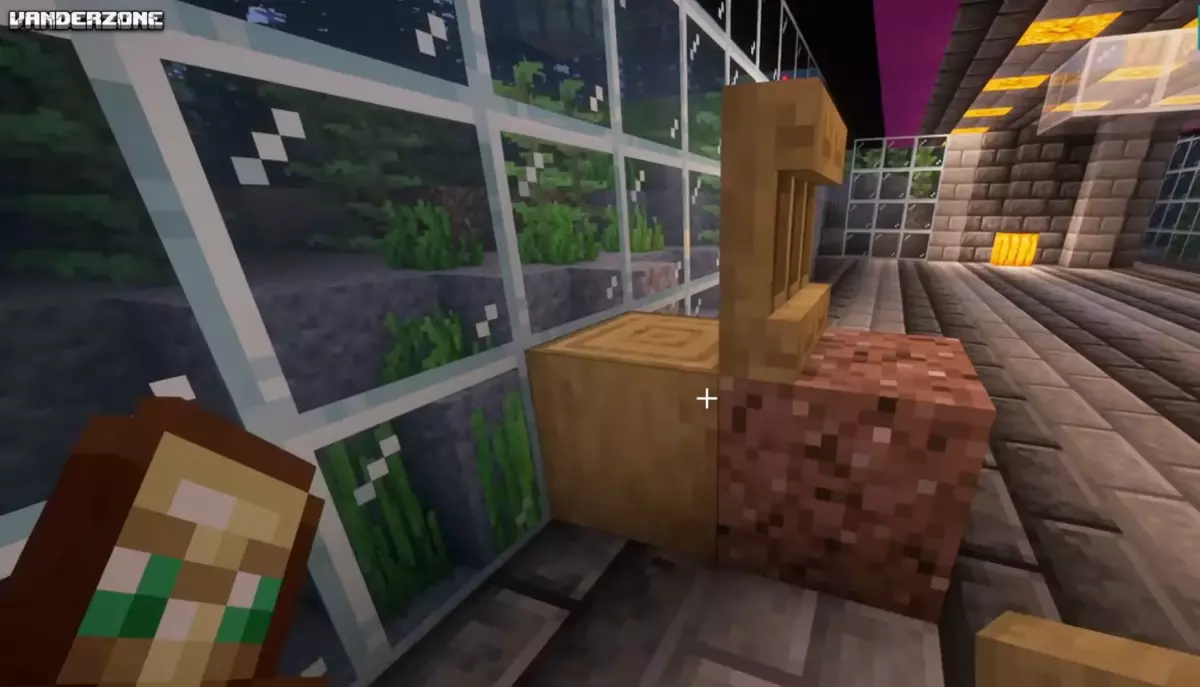
Start by placing a block on the ground to serve as a base. Place another solid block in front of it.

Place your Shelf against the front block so it sits facing outward. Once the shelf is placed, you can remove the temporary solid blocks behind and underneath it, leaving the shelf floating or attached to your wall of choice.

Step 2: Connecting the Hopper

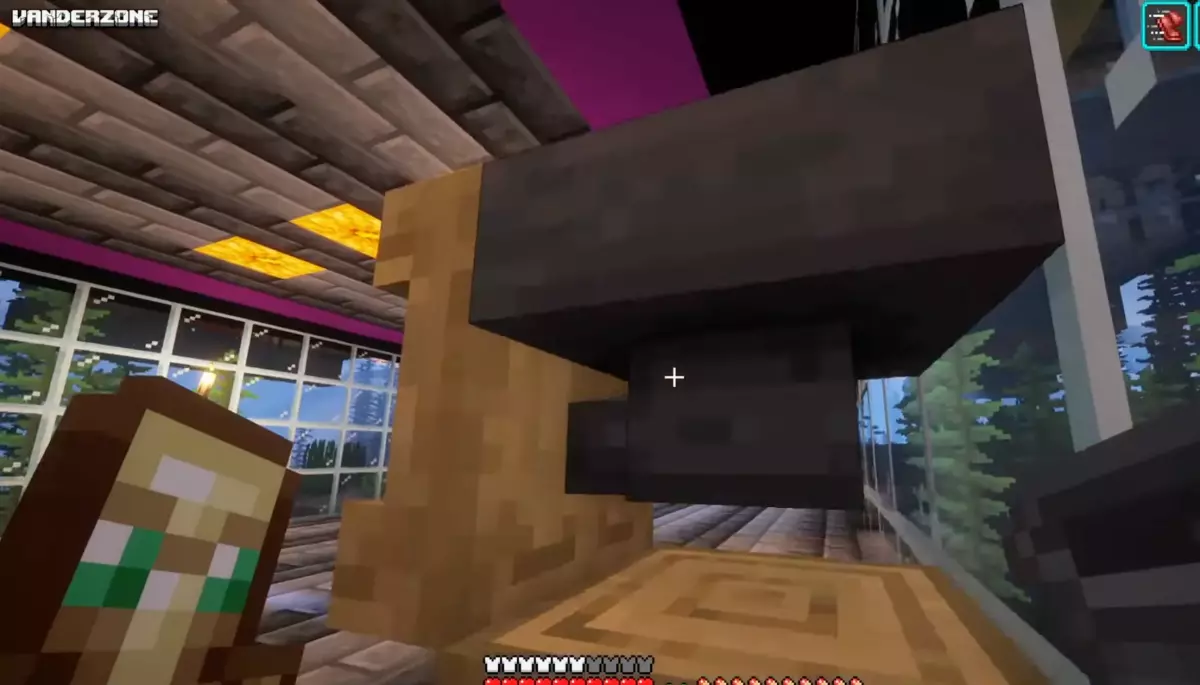
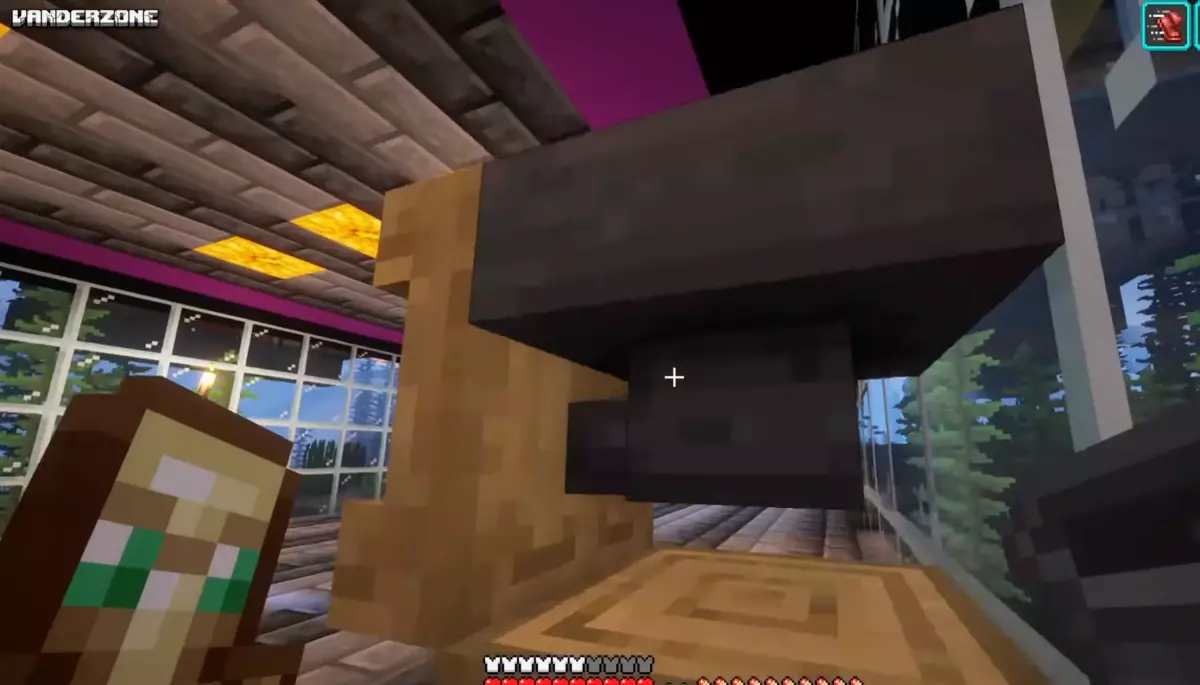
Go to the back of the shelf. You need to feed items into the shelf from behind.

Take your Hopper and aim at the back of the shelf. Hold Shift (crouch) and right-click to place the hopper so its nozzle connects directly into the back of the shelf.

Step 3: Adding Storage

Place a Chest directly on top of the hopper. Fill this chest with the items you want to dispense (e.g., golden carrots, rockets, or building blocks).

The items will flow from the chest, through the hopper, and automatically refill the shelf as stocks are taken.

How to Use It

Once built, the shelf acts as an instant dispenser:

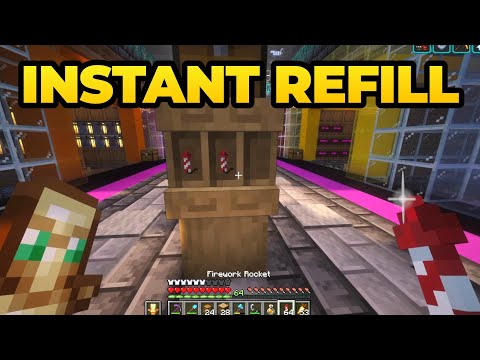
  • Instant Restock: If you have a partial stack (e.g., 1 carrot) in your hand, simply right-click the shelf. It will instantly swap or refill your hand to a full stack (64 items).
  • Visual Identification: Unlike chests, the shelf displays the item visibly, so you don't need item frames to know what is inside.
Tip: Build a row of these for different essentials (Food, Rockets, Ammo) to create a quick "loadout" station in your base.
 

Video

yRZjr
HY8RD
id: 7
uid: oj7T1
insdate: 2025-12-29 07:38:35
title: How to Build an Instant Stack Food Dispenser in Minecraft
additional:

How to Build an Automatic "Shelf" Item Dispenser

Learn how to build a simple shelf-based dispenser that instantly refills your inventory with full stacks of food, rockets, or other items. This design is compact, efficient, and eliminates the need to open chests to restock.

Materials Needed

You only need a few basic items to build this auto-refiller:

  • 1 Shelf (Mod/Plugin specific item)
  • 1 Hopper
  • 1 Chest
  • Temporary building blocks (solid blocks)

Step 1: Positioning the Shelf

Start by placing a block on the ground to serve as a base. Place another solid block in front of it.

Place your Shelf against the front block so it sits facing outward. Once the shelf is placed, you can remove the temporary solid blocks behind and underneath it, leaving the shelf floating or attached to your wall of choice.

Step 2: Connecting the Hopper

Go to the back of the shelf. You need to feed items into the shelf from behind.

Take your Hopper and aim at the back of the shelf. Hold Shift (crouch) and right-click to place the hopper so its nozzle connects directly into the back of the shelf.

Step 3: Adding Storage

Place a Chest directly on top of the hopper. Fill this chest with the items you want to dispense (e.g., golden carrots, rockets, or building blocks).

The items will flow from the chest, through the hopper, and automatically refill the shelf as stocks are taken.

How to Use It

Once built, the shelf acts as an instant dispenser:

  • Instant Restock: If you have a partial stack (e.g., 1 carrot) in your hand, simply right-click the shelf. It will instantly swap or refill your hand to a full stack (64 items).
  • Visual Identification: Unlike chests, the shelf displays the item visibly, so you don't need item frames to know what is inside.
Tip: Build a row of these for different essentials (Food, Rockets, Ammo) to create a quick "loadout" station in your base.
 

Video


category: Minecraft
md5:
image:
tags:
game_title:
game_uid:
author:
ext_link:
video_link:
misc_1:
misc_2:
script:
css:
published:
Add Comment
Add Comment
Type in a Nick Name here
 
MMMOs Gaming

No Fluff. No Spam. Just Pure MMO Strategy.
Page Views

This page has been viewed 48 times.

Search Guides
Search Guides by entering your search text above.