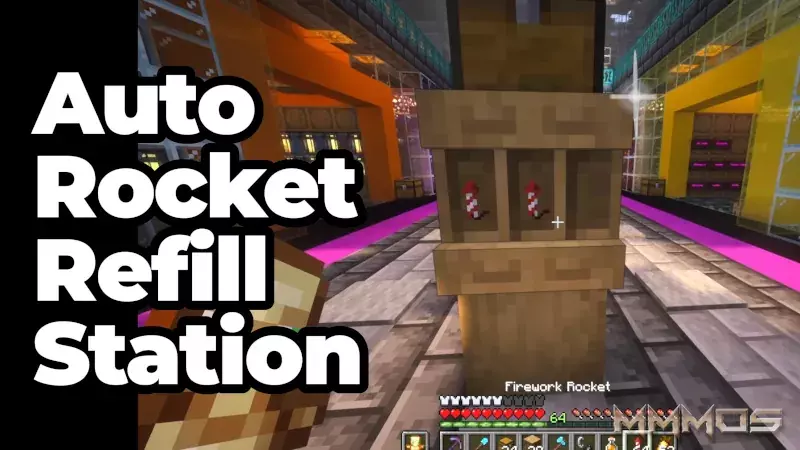
Master Your Elytra: Build the Ultimate No-GUI Auto Rocket Refill Station in Minecraft
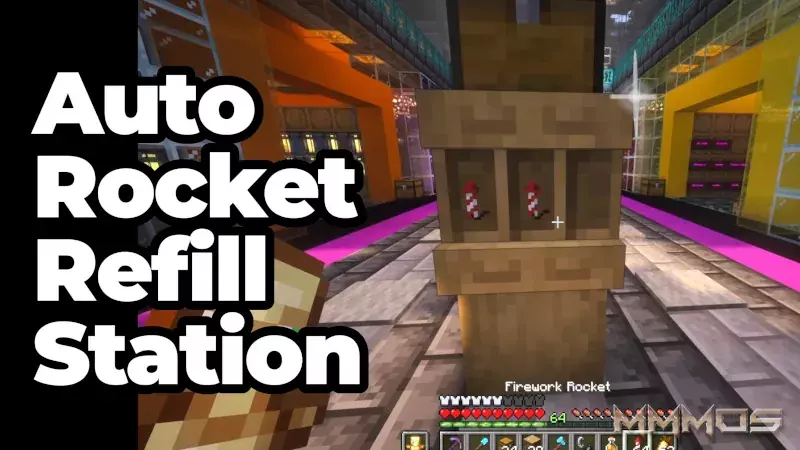
Every seasoned Minecraft player knows the pain: you're soaring through the air with your Elytra, your rockets run out, and you have to break your flight mid-air just to open a barrel or chest and manually drag a new stack of fireworks into your inventory. It's a major flow killer.

Thanks to a clever usage of the new Shelf item, you can now build a game-changing automatic refill station that lets you swap an empty stack for a full one with a single right-click - no inventory menus needed. This is the fastest, most convenient way to keep your flight going.

Why This Build is Better Than Barrels

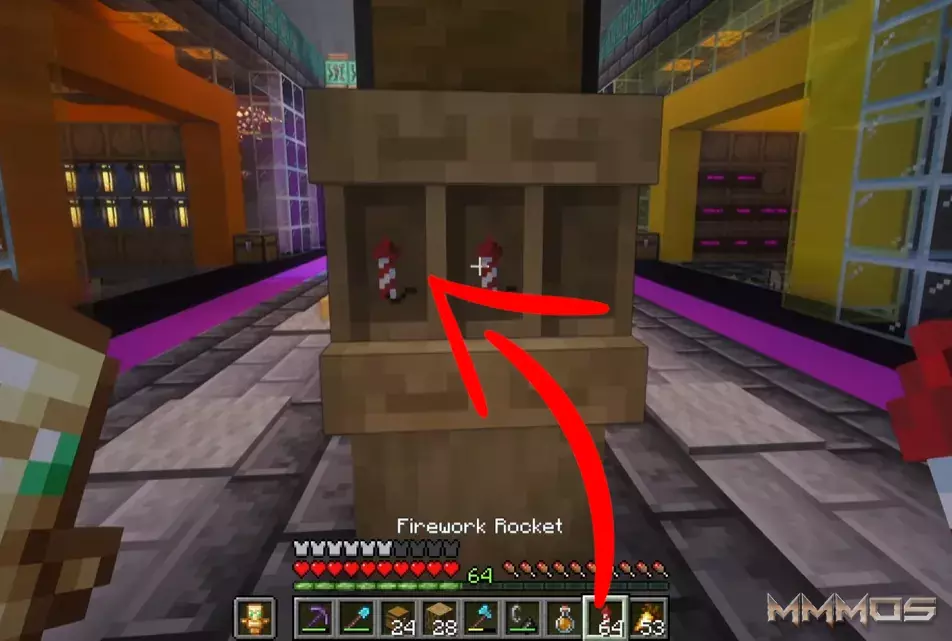
Traditional item storage requires opening a GUI (Graphical User Interface). This build bypasses that step entirely, treating the Shelf not just as decoration, but as a dynamic storage block. When your empty rocket stack is in your hand, a quick right-click on the shelf immediately pulls a full stack from the hopper system and places it into your hotbar.

It’s the perfect quality-of-life upgrade for any survival base, especially near your main Elytra launch pad.

Step-by-Step: Building Your Auto Rocket Refill Station

This build is surprisingly simple, requiring only a few basic blocks and mechanisms:

Materials Needed:

  • Logs (of any type)
  • One Chest (or Barrel)
  • One Hopper
  • Multiple Shelf Blocks
  • Fireworks Rockets

The Build Process:

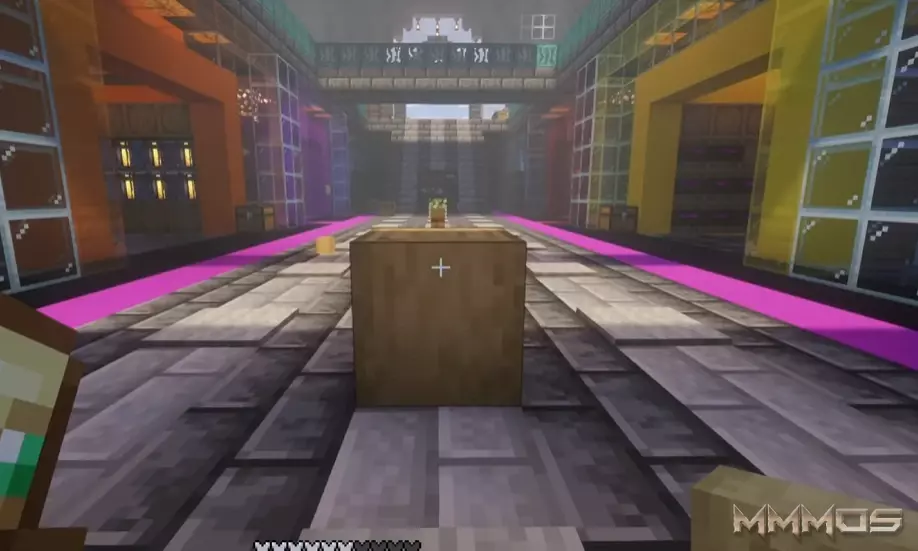
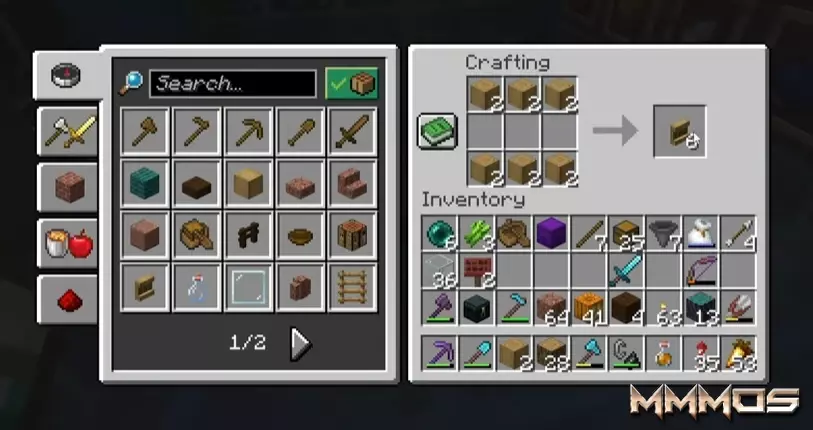
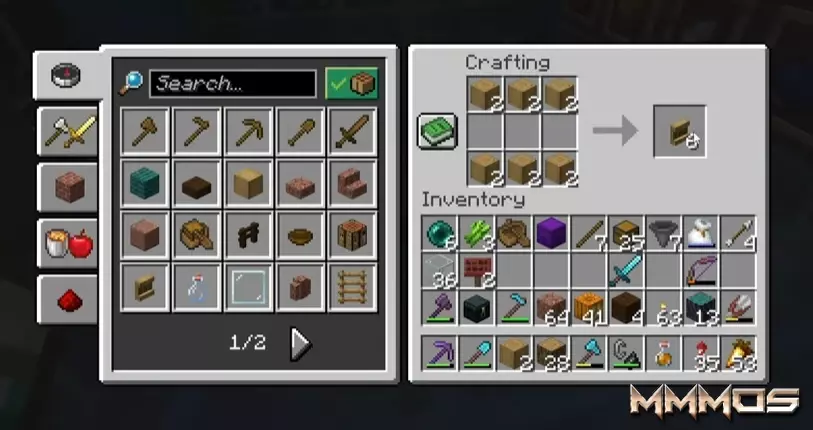
  1. Prepare the Shelves (0:34): First, strip a couple of logs. You will need 6 stripped logs to craft one Shelf block. Craft enough shelves for the stacks of rockets you wish to store.


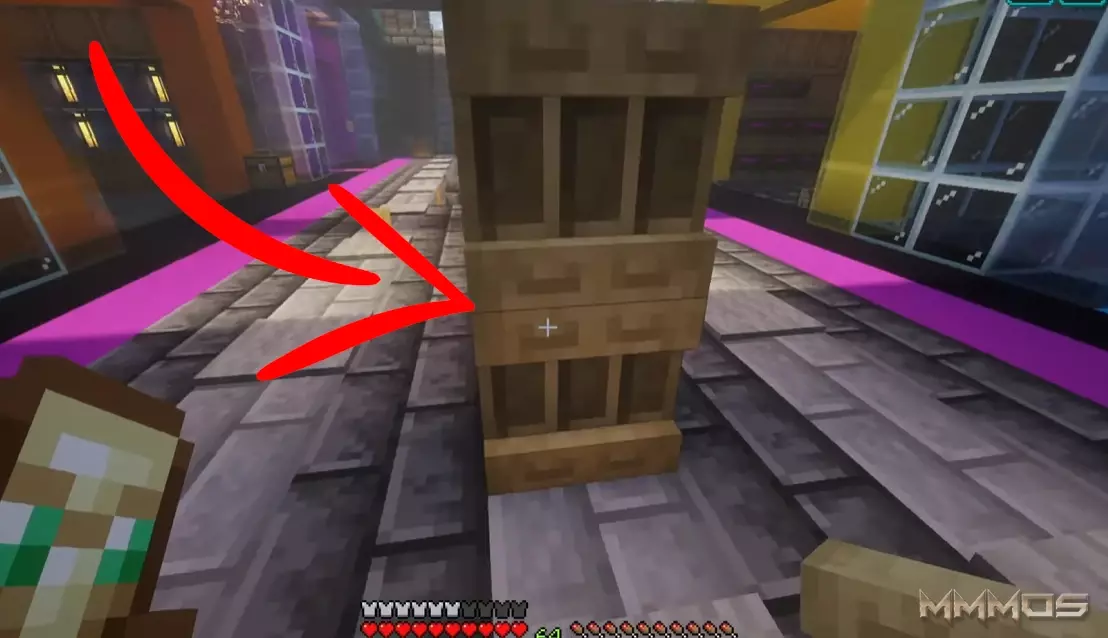
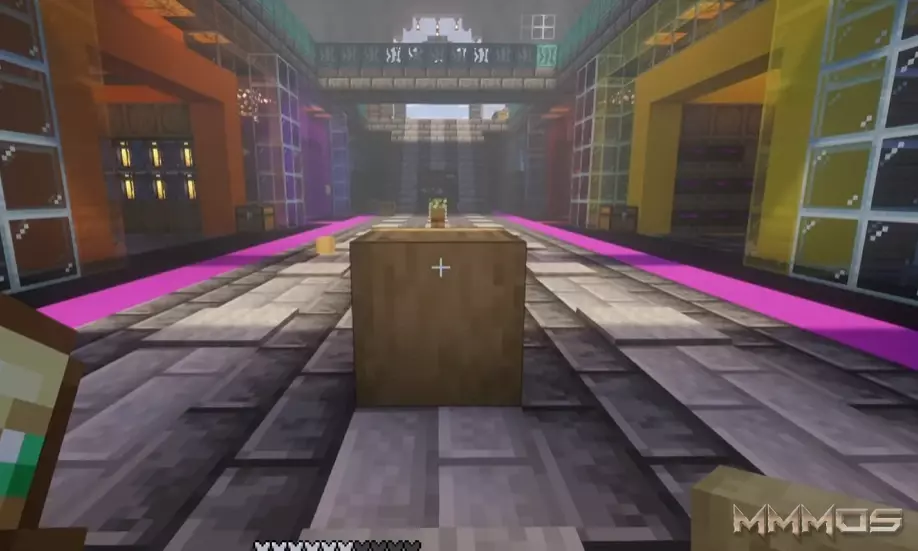
  2. Place the Shelf (0:45): Determine where you want your station to be and place the Shelf block. This is the item you will interact with.
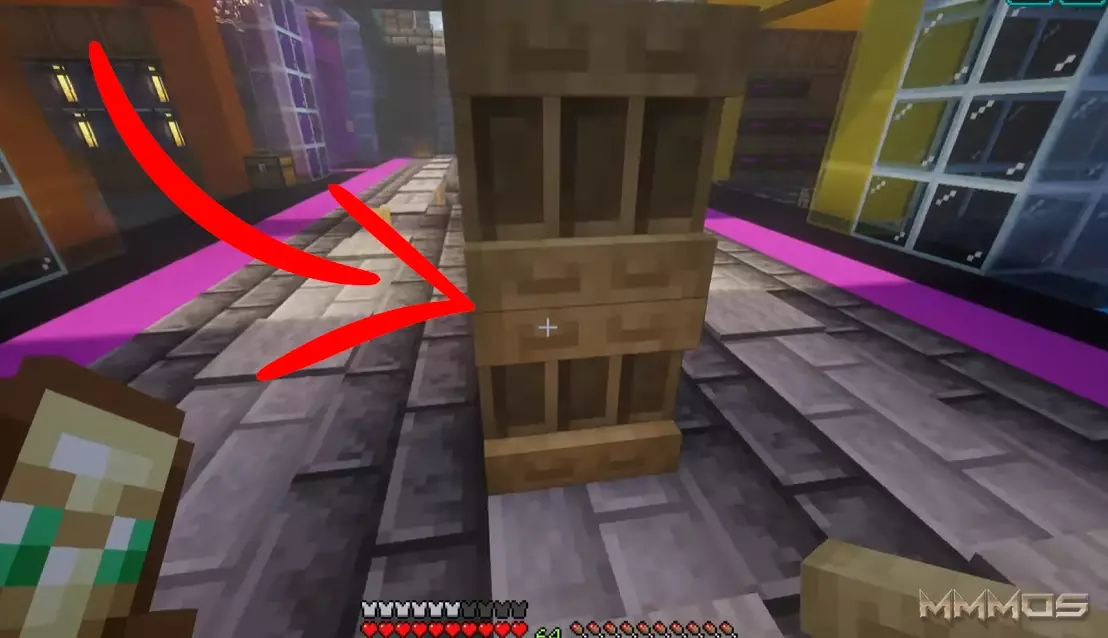

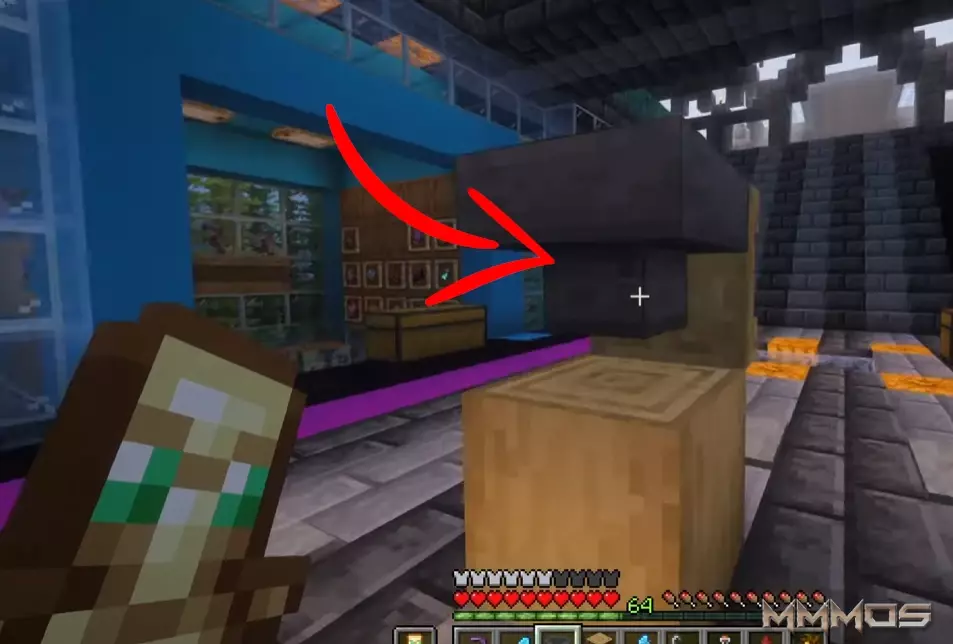
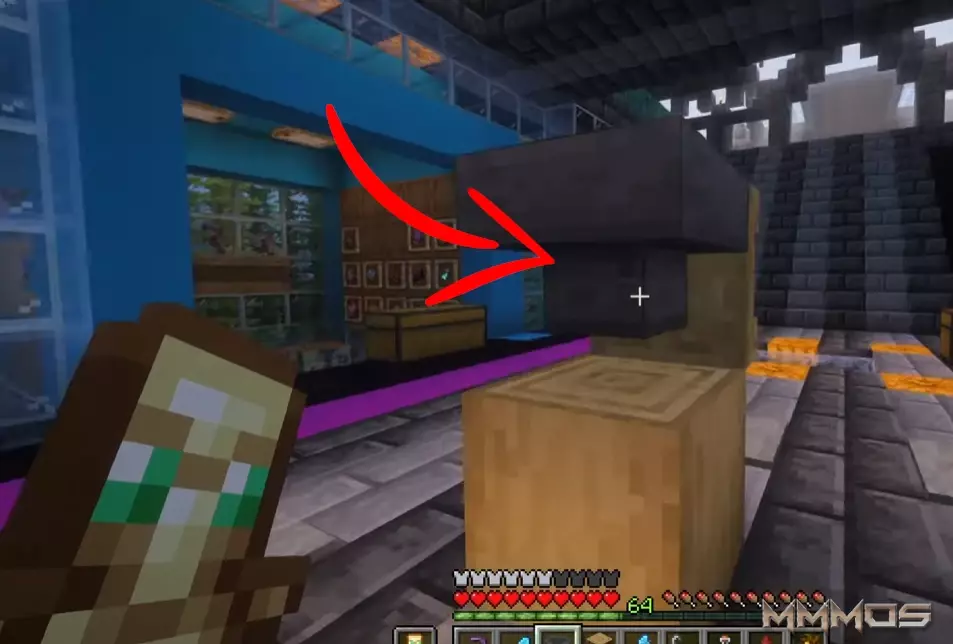
  3. Set Up the Hopper Loader (0:45 - 1:15): Move behind the Shelf. Place a Hopper directly into the back of the Shelf block. The output of the Hopper must be pointing into the Shelf.


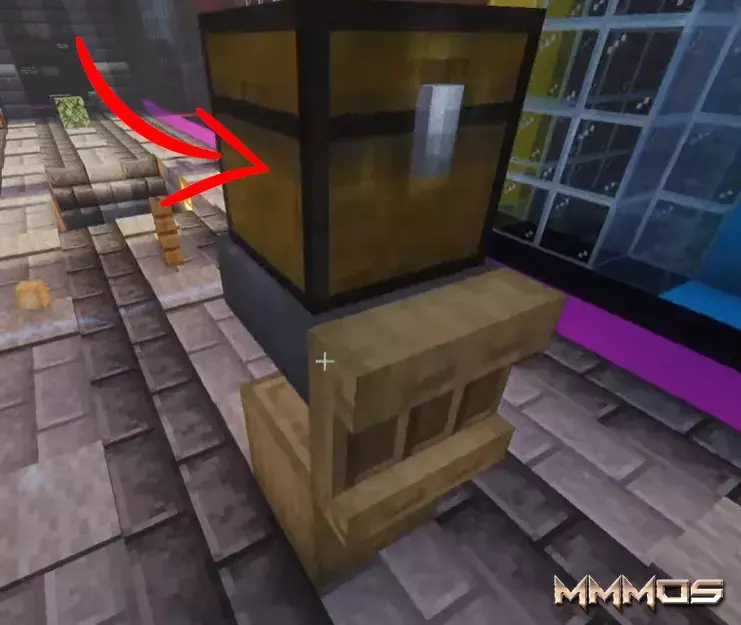
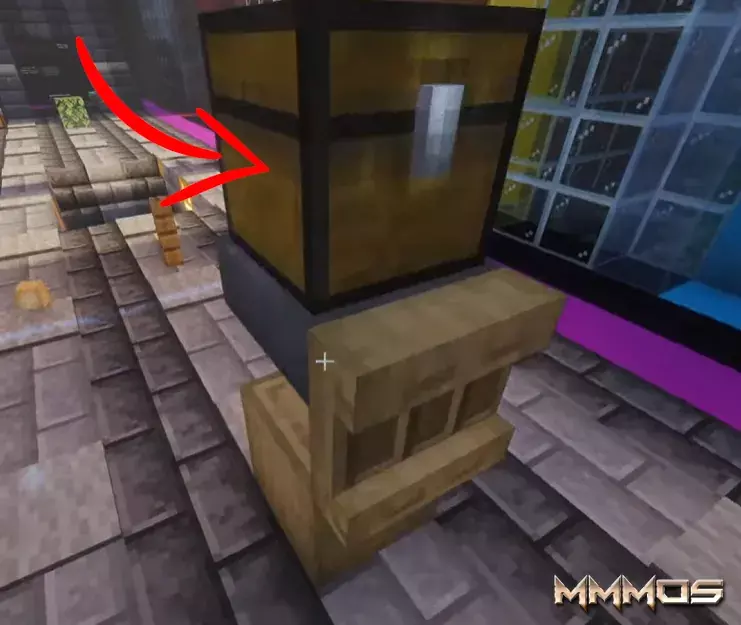
  4. Add the Supply Chest (1:15): Place a Chest (or another container) on top of the Hopper. This chest acts as the bulk storage supply for all your rockets.


  5. Load the System (1:15 - 1:32):
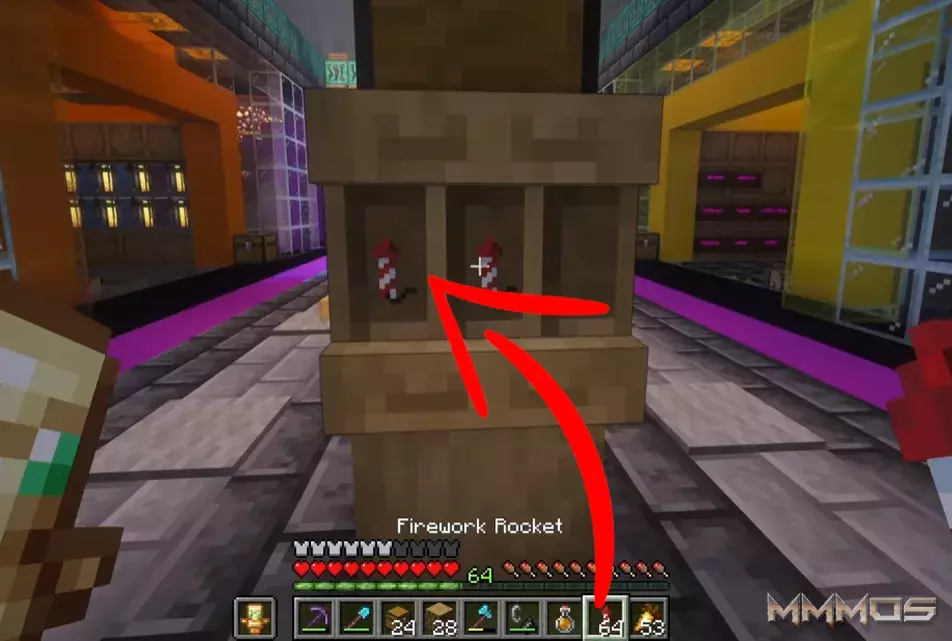
    • Place your initial stacks of rockets directly onto the shelves.
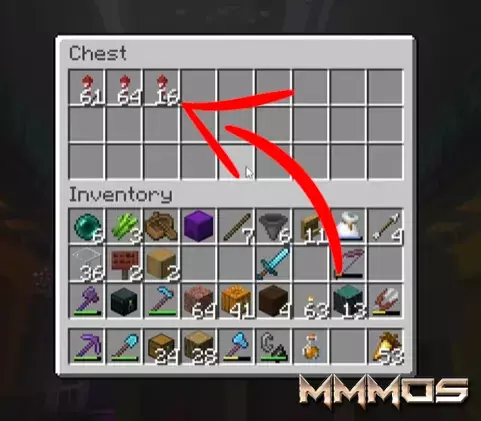


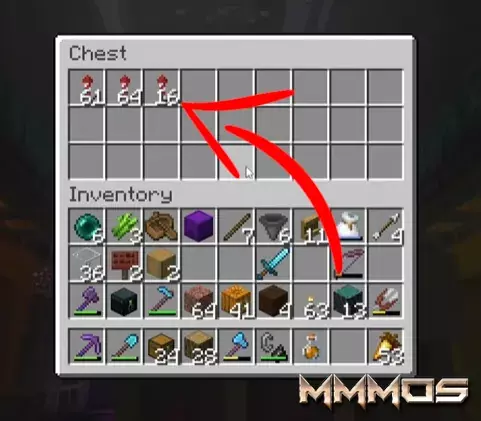
    • Fill the top Chest/Container with dozens (or hundreds) of stacks of rockets.
How to Use It

The system is now fully operational! When a stack of items is removed from a shelf, the Hopper immediately detects the empty slot and pulls a new stack from the Chest above, pushing it into the Shelf.

To Refill: When your rocket stack is empty, simply hold the empty stack and right-click the Shelf. The empty stack will be deposited into the shelf slot, and the hopper will instantly push a new full stack of rockets onto the shelf, which you can then immediately grab.

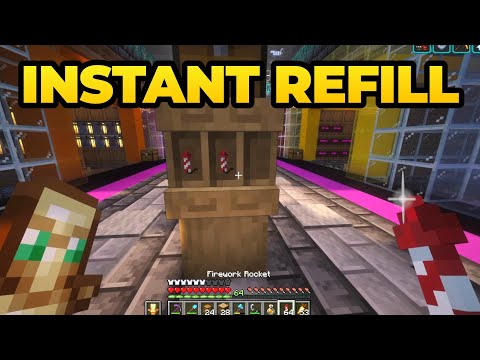
This bypasses the need to open any inventory, making the refill seamless and instant.

For a complete visual walkthrough and demonstration of the speed, check out the original video:

Watch the full Minecraft Auto Rocket Refill Tutorial

Happy Flying!

HUTWl
...
Auto Rocket Refill Station - Prepare the Shelves

1:09 am, December 17, 2025 Minecraft

eXAnW
...
Auto Rocket Refill Station - Place the Shelf

1:13 am, December 17, 2025 Minecraft

BwPps
...
Auto Rocket Refill Station Place the Shelf Alignment

1:17 am, December 17, 2025 Minecraft

zMe30
...
Auto Rocket Refill Station Set Up the Hopper Loader

1:22 am, December 17, 2025 Minecraft

uQFgZ
...
Auto Rocket Refill Station - Add the Supply Chest

1:25 am, December 17, 2025 Minecraft

0Q61u
...
Auto Rocket Refill Station - Load the System

1:29 am, December 17, 2025 Minecraft

ogaGY
...
Stop Using Barrels. This New Shelf Trick is Better.

This build allows you to instantly swap an empty stack for a full one with a single click - no inventory menus required. It’s the perfect addition to your Elytra launch platform or main base.

1:35 am, December 17, 2025 Minecraft

meu3M

image

https://mmmos.com/images/rocket%20refill%20banner%20mmmos.webp

tags

minecraft,minecraft survival,minecraft tutorial,elytra fireworks,minecraft storage,auto refill system,minecraft quality of life,minecraft shelves,minecraft build hacks,fastest rocket refill

game_title

Minecraft

published

TRUE

id: 6
uid: WwAYe
insdate: 2025-12-17 01:06:11
title: Master Your Elytra: Build the Ultimate No-GUI Auto Rocket Refill Station in Minecraft
additional:

Every seasoned Minecraft player knows the pain: you're soaring through the air with your Elytra, your rockets run out, and you have to break your flight mid-air just to open a barrel or chest and manually drag a new stack of fireworks into your inventory. It's a major flow killer.

Thanks to a clever usage of the new Shelf item, you can now build a game-changing automatic refill station that lets you swap an empty stack for a full one with a single right-click - no inventory menus needed. This is the fastest, most convenient way to keep your flight going.

Why This Build is Better Than Barrels

Traditional item storage requires opening a GUI (Graphical User Interface). This build bypasses that step entirely, treating the Shelf not just as decoration, but as a dynamic storage block. When your empty rocket stack is in your hand, a quick right-click on the shelf immediately pulls a full stack from the hopper system and places it into your hotbar.

It’s the perfect quality-of-life upgrade for any survival base, especially near your main Elytra launch pad.

Step-by-Step: Building Your Auto Rocket Refill Station

This build is surprisingly simple, requiring only a few basic blocks and mechanisms:

Materials Needed:

  • Logs (of any type)
  • One Chest (or Barrel)
  • One Hopper
  • Multiple Shelf Blocks
  • Fireworks Rockets

The Build Process:

  1. Prepare the Shelves (0:34): First, strip a couple of logs. You will need 6 stripped logs to craft one Shelf block. Craft enough shelves for the stacks of rockets you wish to store.


  2. Place the Shelf (0:45): Determine where you want your station to be and place the Shelf block. This is the item you will interact with.


  3. Set Up the Hopper Loader (0:45 - 1:15): Move behind the Shelf. Place a Hopper directly into the back of the Shelf block. The output of the Hopper must be pointing into the Shelf.


  4. Add the Supply Chest (1:15): Place a Chest (or another container) on top of the Hopper. This chest acts as the bulk storage supply for all your rockets.


  5. Load the System (1:15 - 1:32):
    • Place your initial stacks of rockets directly onto the shelves.


    • Fill the top Chest/Container with dozens (or hundreds) of stacks of rockets.

How to Use It

The system is now fully operational! When a stack of items is removed from a shelf, the Hopper immediately detects the empty slot and pulls a new stack from the Chest above, pushing it into the Shelf.

To Refill: When your rocket stack is empty, simply hold the empty stack and right-click the Shelf. The empty stack will be deposited into the shelf slot, and the hopper will instantly push a new full stack of rockets onto the shelf, which you can then immediately grab.

This bypasses the need to open any inventory, making the refill seamless and instant.

For a complete visual walkthrough and demonstration of the speed, check out the original video:

Watch the full Minecraft Auto Rocket Refill Tutorial

Happy Flying!

category: Minecraft
md5:
image: https://mmmos.com/images/rocket%20refill%20banner%20mmmos.webp
tags: minecraft,minecraft survival,minecraft tutorial,elytra fireworks,minecraft storage,auto refill system,minecraft quality of life,minecraft shelves,minecraft build hacks,fastest rocket refill
game_title: Minecraft
game_uid:
author:
ext_link:
video_link:
misc_1:
misc_2:
script:
css:
published: TRUE
Add Comment
Add Comment
Type in a Nick Name here
 
MMMOs Gaming

No Fluff. No Spam. Just Pure MMO Strategy.
Page Views

This page has been viewed 248 times.

Search Guides
Search Guides by entering your search text above.